September 11, 2026 · TermBridge · 2 min read
Manage Herdr Agent Workspaces Across Macs from iPad
Flavio Copes discusses Herdr, a tool for managing coding agents in persistent terminal sessions. The challenge is keeping tabs on these agents, especially when they run on multiple machines or need monitoring away from the desk. Developers need a way to track their status and ensure work continues without constant physical presence.
Herdr is an open source terminal multiplexer built specifically for coding agents, providing persistent sessions that keep running even when the terminal is closed. It allows reconnection locally, over SSH, or from a phone, and since version 0.9, a single client can manage both local and remote machines. The system is scriptable via a CLI and local socket API, enabling agents to communicate and organize terminals into workspaces, tabs, and panes. This helps developers manage multiple coding agents, track their status, and ensure work continues regardless of connection.
TermBridge extends Herdr’s utility by mirroring your Mac’s terminal sessions directly to your iPhone or iPad. This allows you to watch and interact with your Herdr-managed coding agents, whether they are running in iTerm2, Terminal.app, or an integrated VS Code terminal. You can monitor long-running Claude Code or Codex agent processes from anywhere, ensuring you stay informed without being tied to your desk.
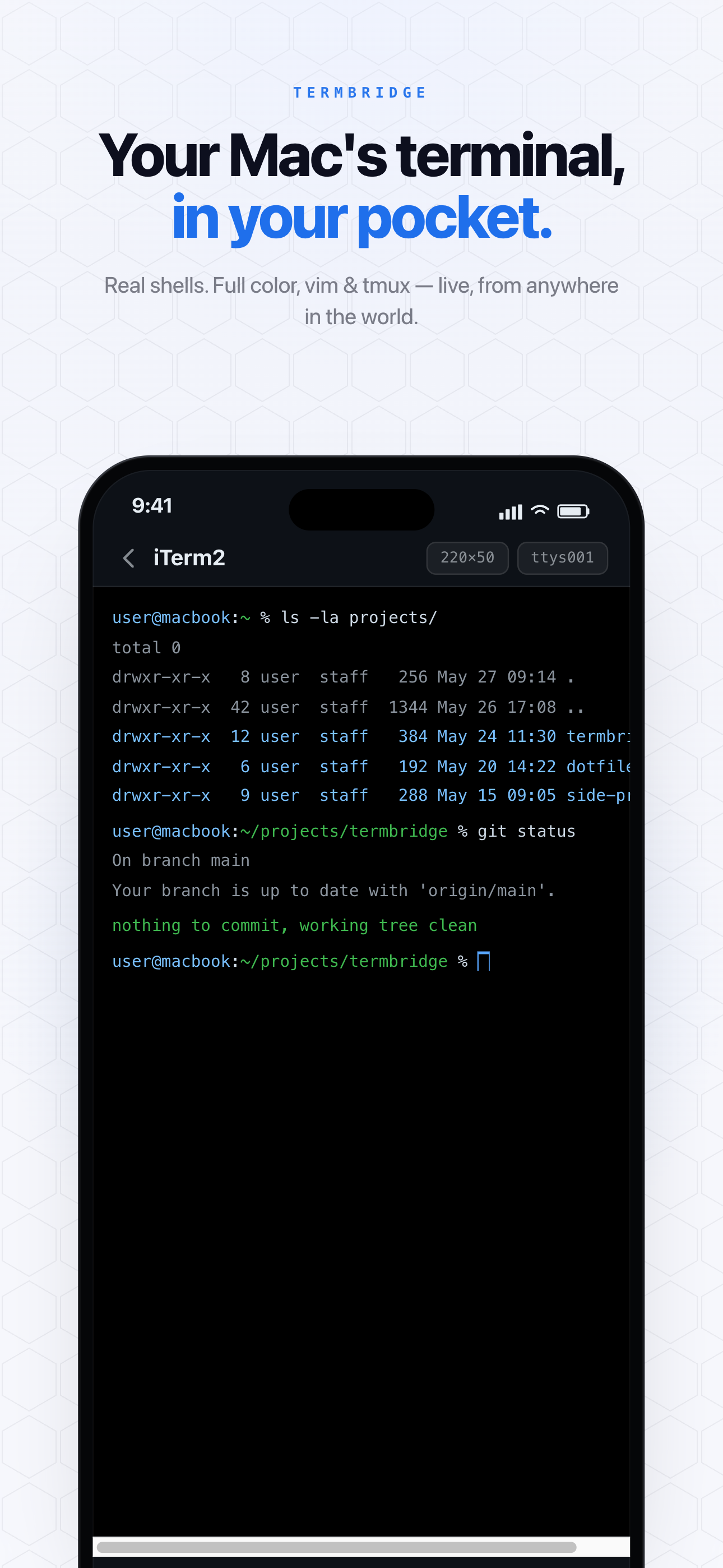
Monitoring Herdr Agent Progress from Anywhere
Flavio Copes highlights Herdr’s ability to provide persistent sessions for coding agents. This means your Claude Code or Codex agents can run for hours, even days, without interruption. TermBridge lets you keep an eye on these critical processes from your iPhone or iPad. You can check agent output, verify progress, and intervene if necessary, all from your mobile device. This is particularly useful for long-running tasks where you do not need to sit at your desk, but still need to confirm everything is proceeding as expected. For more on this, read Monitor AI Agent Beliefs from Your Phone Terminal.
Managing Multiple Herdr Workspaces Securely
Herdr allows developers to organize terminals into workspaces, tabs, and panes, managing multiple coding agents across local and remote machines. TermBridge complements this by providing a secure way to access these organized sessions. All communication between your Mac and mobile device is end-to-end encrypted using X25519 and AES-256-GCM, meaning the relay server only ever sees ciphertext. Pairing is simple and secure, requiring a QR code scan and on-Mac approval, as shown here.
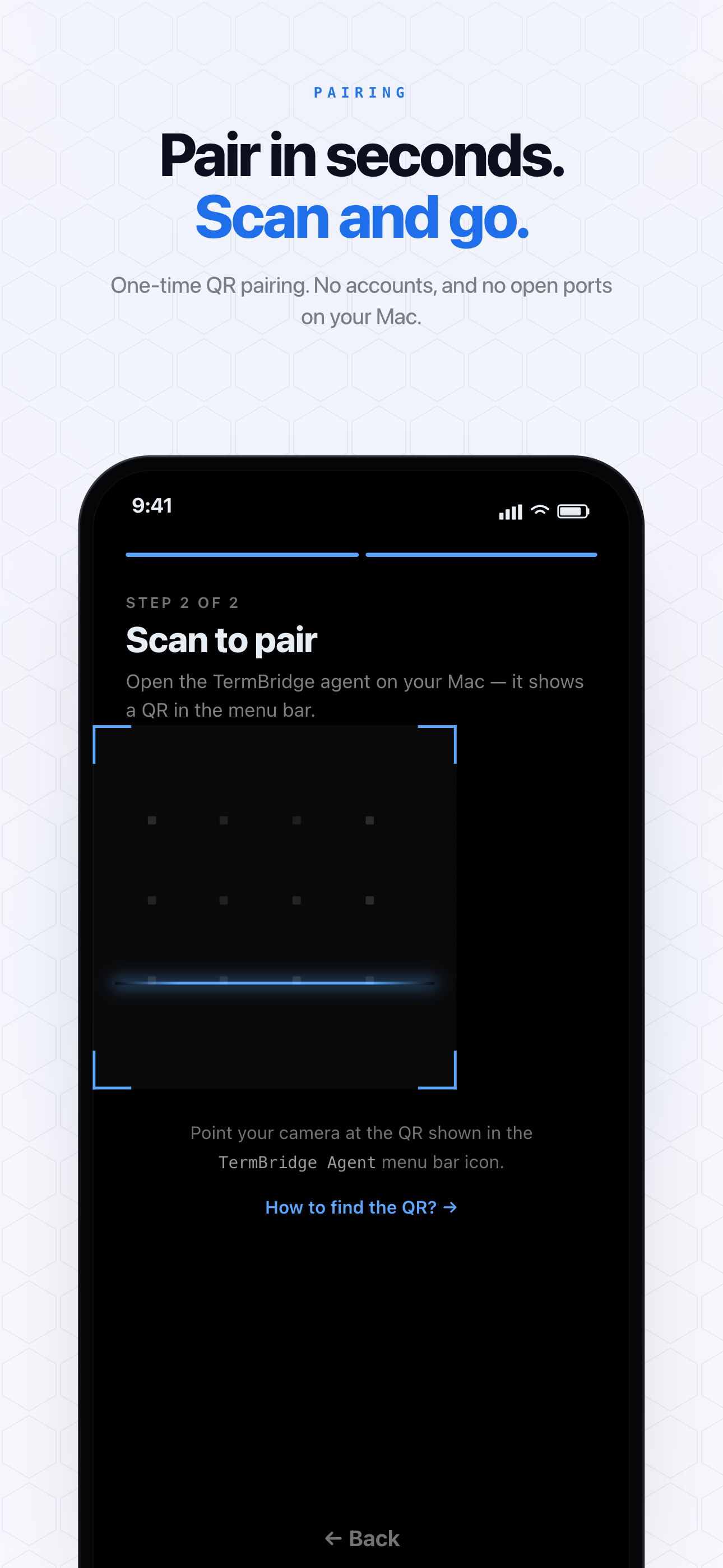
This ensures your agent’s sensitive output remains private while you manage your Herdr setup. You can also Manage AI Agent Runs Across Multiple Macs from Your iPad.
Switching Between Herdr Instances on Different Macs
Flavio Copes notes that Herdr version 0.9 allows a single client to manage both local and remote machines. TermBridge extends this flexibility to your mobile device. You can pair multiple iPhones or iPads to a single Mac, or switch between different Macs from a single mobile device. This means if you have Herdr running on a powerful desktop for heavy AI agent training and another instance on a Mac mini for lighter tasks, you can monitor and control both from one iPad. This capability is crucial for developers overseeing distributed agent operations, as discussed in A deep dive into Herdr on flaviocopes.com.
Discussed on Personal blog (Flavio Copes)