Introduction
TermBridge lets you use any terminal on your Mac from your iPhone or iPad, from anywhere. Android is coming soon.
Quickstart
- Install the Mac app: download the
.dmg, drag it to Applications, launch it once. - Get the phone app. TermBridge on the App Store.
- Open a new terminal on your Mac (the hook applies to new shells).
- Scan the QR from Pair a new device in the Mac window, and confirm the fingerprint.
- Tap a shell. you’re in.
Full detail: Installation → Pairing → Sessions & terminals.
Unlike an SSH client, TermBridge doesn’t open a new shell. It attaches at the shell layer, so the exact terminal already running on your desk. the one with three hours of context and a half-finished diff. is the one that shows up on your phone. That works across every terminal app: iTerm2, Terminal.app, and the integrated terminals inside VS Code, Zed, and Cursor, plus tmux sessions.
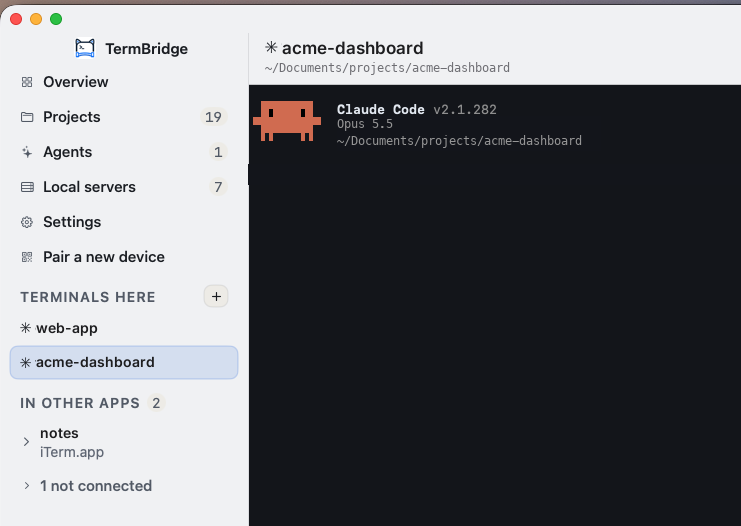
The Mac app is a menu bar icon and a full window. See The Mac window.
Why it’s different
Most remote-terminal tools spawn their own session via forkpty(). they can only ever show you terminals they started. TermBridge installs a tiny, heavily-guarded hook that re-execs your interactive shell inside an agent-owned PTY (the same script(1) pattern that’s been in Unix forever). Because the hook sits below the terminal app, it shows the same shell you are already in.
What you get
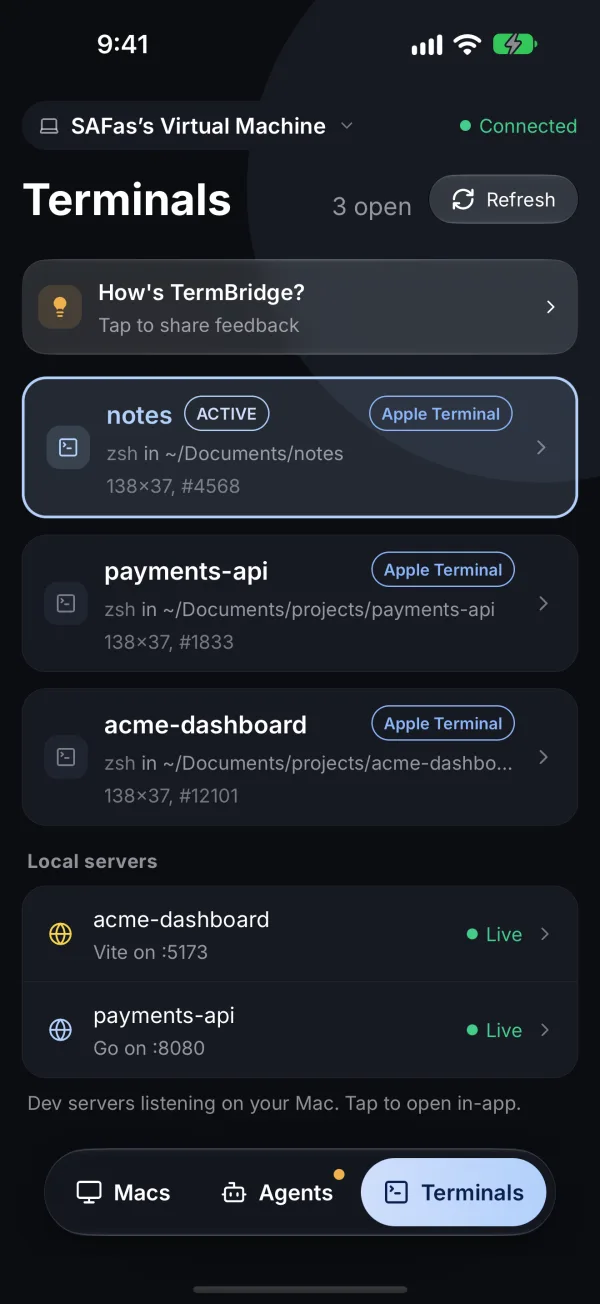
- Every live shell, one tap. A live-updating list of every open terminal across all your terminal apps.
- Real terminals, full color. Raw VT bytes pass through untouched. 256-color, vim, tmux, htop, progress bars all render exactly as they do on your desk.
- No lockout risk. The shell hook fails safe: a missing binary or dead agent gives you a completely normal shell, never a broken one.
- No SSH, no open ports, no accounts. Your Mac holds one outbound encrypted connection to a relay. Nothing inbound is ever exposed.
- End-to-end encrypted. Every frame is sealed with X25519 + AES-256-GCM. The relay only ever routes ciphertext.
How it fits together
TermBridge has five parts. You install two of them, the Mac app and the phone app. The rest is internal.
| Part | What it is | Where it runs |
|---|---|---|
| Menu-bar app | The thing you download. Installs the agent + shell hook, shows the pairing QR. | Your Mac |
| Agent | A small background daemon that owns the PTYs and holds one outbound connection to the relay. | Your Mac (launchd) |
| Relay | Pairs phone ↔ Mac and routes sealed frames. Never sees plaintext. | Cloud (Cloudflare) |
| Phone app | Scans the QR, lists your shells, answers agents, opens local servers. | iPhone and iPad (Android coming soon) |
Ready? Head to Installation.