June 28, 2026 · TermBridge · 3 min read
Solving Mobile Coding Concurrent Session Pains with Mac Terminal
A Reddit user found existing mobile coding setups like Termux with Opencode Web and OpenChamber frustrating. They experienced issues with worktree support and managing concurrent sessions for AI agents. Switching between different agents on mobile proved difficult, hindering their workflow.
A Reddit user discusses their experiences with various mobile coding setups, noting that Termux with Opencode Web lacks worktree support and Termux with OpenChamber struggles with concurrent sessions. They are currently using Paseo but express a desire for easier switching between different AI agents.
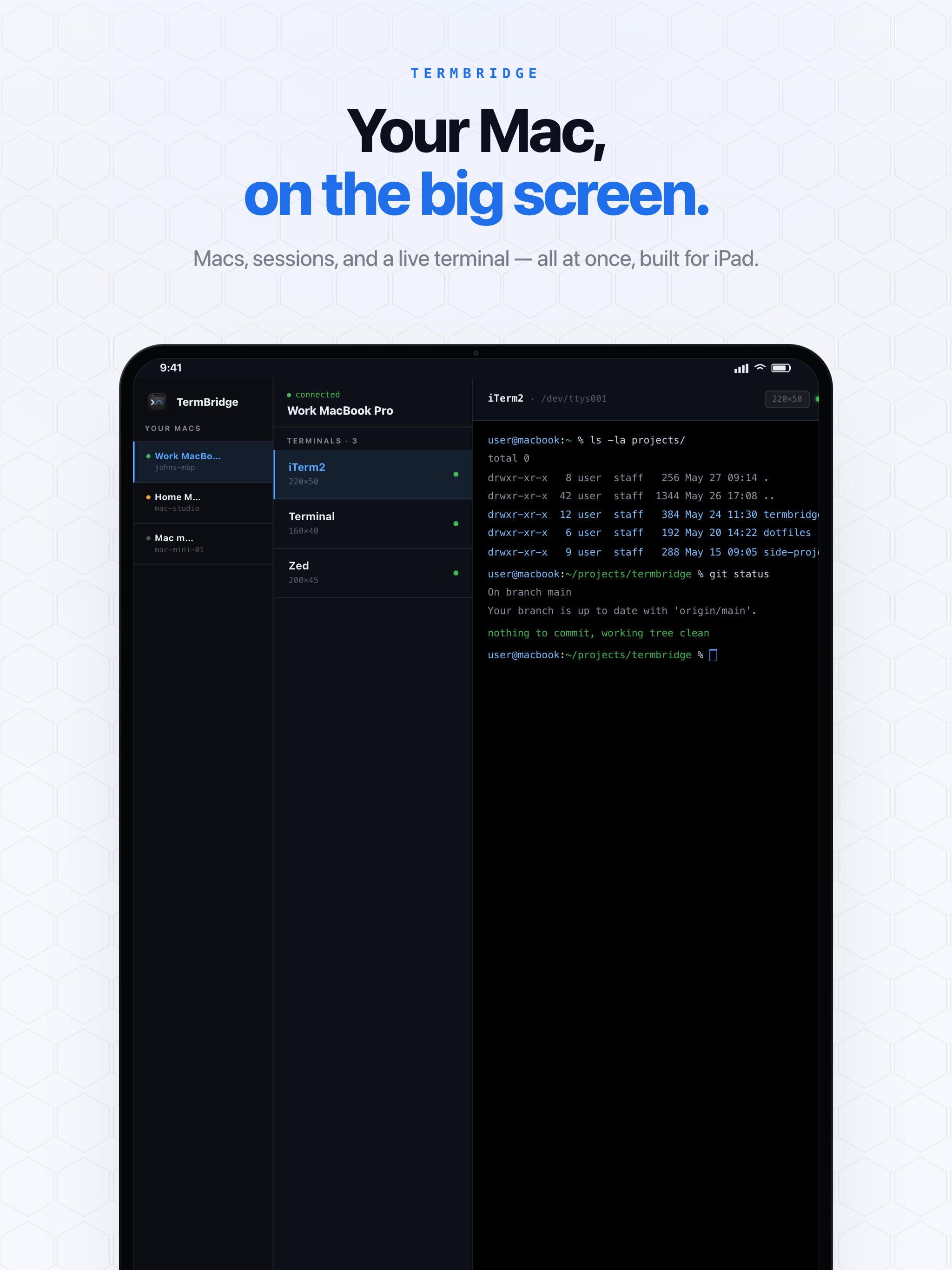
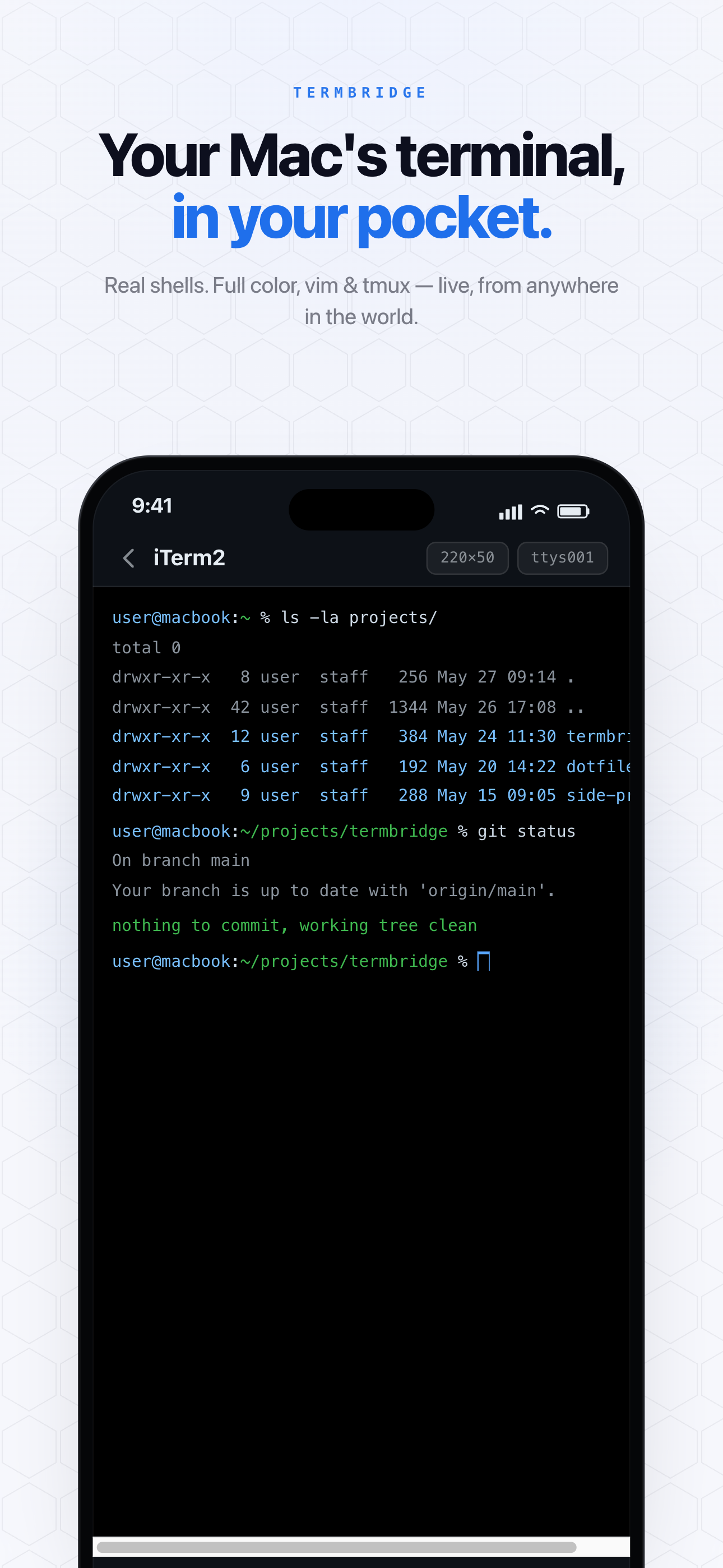
TermBridge directly addresses these pains by mirroring your Mac’s existing terminal environment to your iPhone or iPad. This means your mobile device displays and controls the exact iTerm2, Terminal.app, or VS Code integrated terminal you already use on your Mac. There are no new environments to configure, ensuring full worktree support and allowing you to manage concurrent sessions and switch between AI agents using your familiar Mac terminal tools.
Preserve Your Mac’s Full Terminal Power, Including Worktrees
The Reddit user’s frustration with Termux lacking worktree support highlights a common problem with separate mobile environments. TermBridge avoids this entirely. Because it mirrors your actual Mac terminal, every feature, every tool, and every configuration you rely on, including Git worktrees, functions exactly as it would if you were sitting at your desk. You gain the freedom of mobile access without sacrificing any of your Mac’s development capabilities. This approach ensures compatibility with all your existing development tools and workflows, from complex Git operations to specific shell configurations.
Managing Concurrent AI Agent Sessions and Switching Contexts
The desire for easier switching between AI agents and the struggle with concurrent sessions, as noted in the Reddit discussion on r/opencodeCLI, is a key challenge for developers running long-form agentic code. TermBridge lets you watch and control your Mac terminal, which means you can use tools like tmux or multiple terminal tabs to manage several AI agent runs simultaneously. Switching between these sessions on your iPhone or iPad is as simple as switching tabs or panes in your Mac terminal, directly reflected on your mobile device. This provides a familiar and powerful way to oversee multiple processes without being tethered to your desk.
Secure and Simple Setup for Remote Mac Terminal Access
Setting up complex remote coding environments can be a hurdle. TermBridge focuses on simplicity and security. Pairing your iPhone or iPad to your Mac involves a quick QR code scan and on-Mac approval, establishing an end-to-end encrypted connection. This means your terminal data, including sensitive code and agent outputs, is protected with X25519 and AES-256-GCM encryption. The relay server only sees ciphertext. This secure foundation allows you to confidently monitor and interact with your Mac terminal from anywhere, addressing the need for reliable remote access without the overhead of maintaining separate server setups. For more on secure remote access, see Remote Control Claude Code on Mac from iPhone, Avoiding DIY Compl.
Discussed on Reddit · r/opencodeCLI