June 9, 2026 · TermBridge · 2 min read
Watch Claude Code and Codex Agents from Your iPhone
Developers often need to monitor long-running AI coding agent tasks, like those from Claude Code or Codex, without being tied to their desk. When these agents run for hours or days, checking their progress means constantly returning to the Mac terminal. This creates a hurdle for staying updated on critical development work.
Tmux, the terminal multiplexer Nicholas Marriott released in 2007, has become the layer that keeps AI coding agents running across disconnects. Developers start Claude Code or Codex CLI inside a tmux session on a remote server, then reconnect from any machine while the work continues. This guide covers how tmux sessions, windows, and panes work, how to set it up for agents, how it compares with cmux, Termdock, Zellij, and GNU Screen, and what it costs.
TermBridge extends this capability by bringing your Mac’s terminal directly to your iPhone or iPad. It mirrors your active tmux session, iTerm2 window, or any other shell, allowing you to watch and interact with your AI coding agents from anywhere. You can check agent output, type commands, and manage your development workflow without needing to sit in front of your Mac.
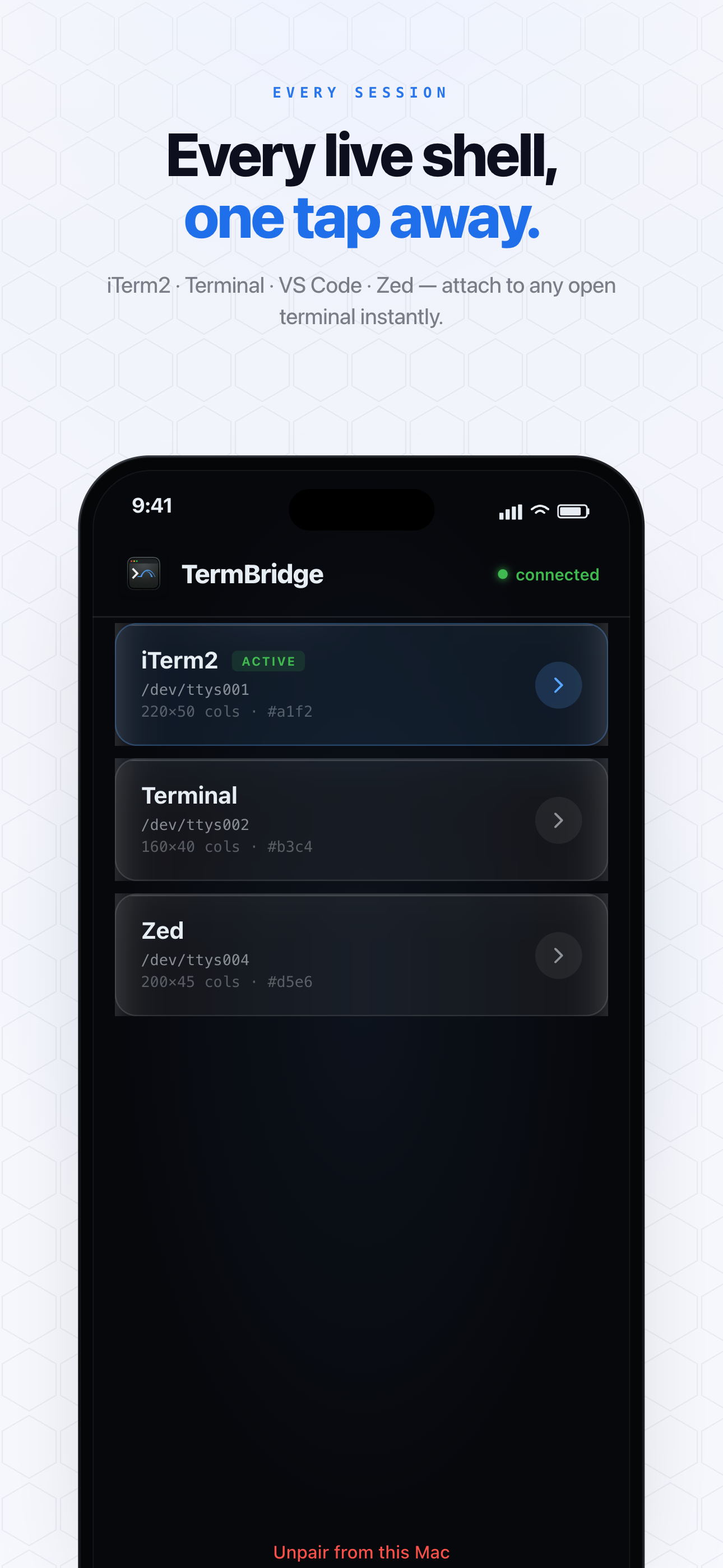
Monitoring Long-Running AI Agent Tasks on the Go
The Implicator.ai article highlights how tmux keeps AI coding agents like Claude Code or Codex running even after you disconnect from a remote server. While tmux handles the server side, TermBridge addresses the local Mac scenario. It lets you monitor these long-running processes directly from your iPhone or iPad. You can step away from your desk, attend meetings, or work from another room, all while keeping a close eye on your agent’s progress and output. This means no more guessing if your agent completed its task or needs intervention.
Interacting with tmux Sessions from Mobile
The original post mentions developers starting CLI agents inside a tmux session. TermBridge integrates directly with your existing tmux setup on your Mac. When you connect from your iPhone or iPad, you see your active tmux sessions exactly as they appear on your desktop. You can switch between windows and panes, type commands, and send inputs to your running agents. This provides full control and interaction, not just passive viewing, making it simple to pause an agent, review logs, or start a new task. The pairing process is quick, using a QR code and on-Mac approval, ensuring secure access to your terminal.
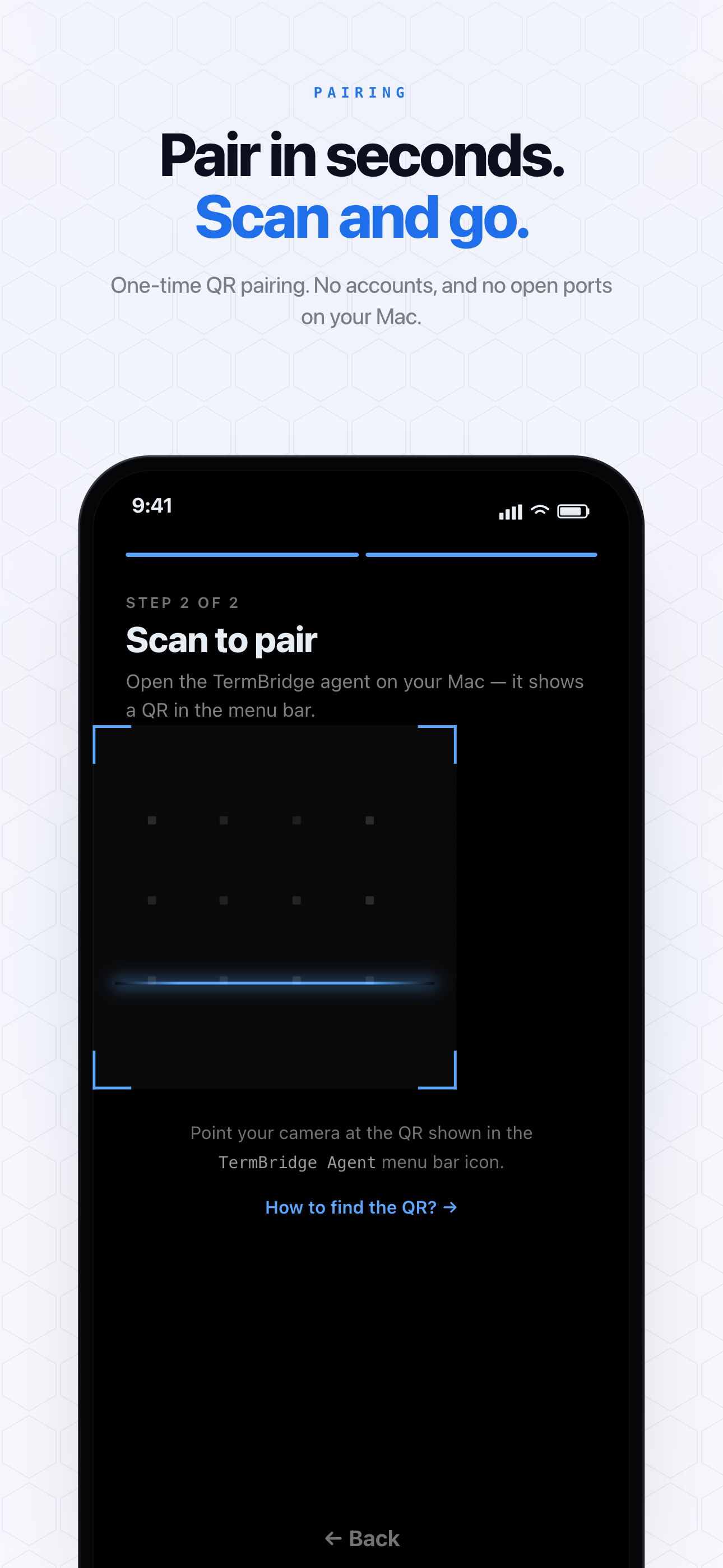
Secure Remote Access for Your Mac Terminal
The discussion on Implicator.ai focuses on the persistence tmux offers. TermBridge complements this by providing secure, end-to-end encrypted access to your Mac’s terminal from your mobile devices. All communication between your iPhone or iPad and your Mac is protected with X25519 and AES-256-GCM encryption. The relay server only ever sees ciphertext, ensuring your terminal activity remains private. This security is crucial when dealing with sensitive development work or proprietary agent outputs, giving you peace of mind as you manage your coding agents remotely.
Discussed on Implicator.ai