October 2, 2026 · TermBridge · 3 min read
Monitor Claude Code and Codex Mac Terminal from iPhone, No SSH

Developers often need to check on long-running processes like AI agent training or complex builds without being tied to their desk. The frustration of not knowing if a critical task is still running, or if it has failed, can disrupt your workflow when you are away from your Mac.
This personal blog post details using Termux on an Android phone to SSH into a home server for managing long-running tasks. The author highlights the utility of quickly connecting to run commands like
htoportail -fon logs directly from a phone, which is a game-changer for remote monitoring. This setup allows developers to check on builds or scripts even when away from their main workstation.
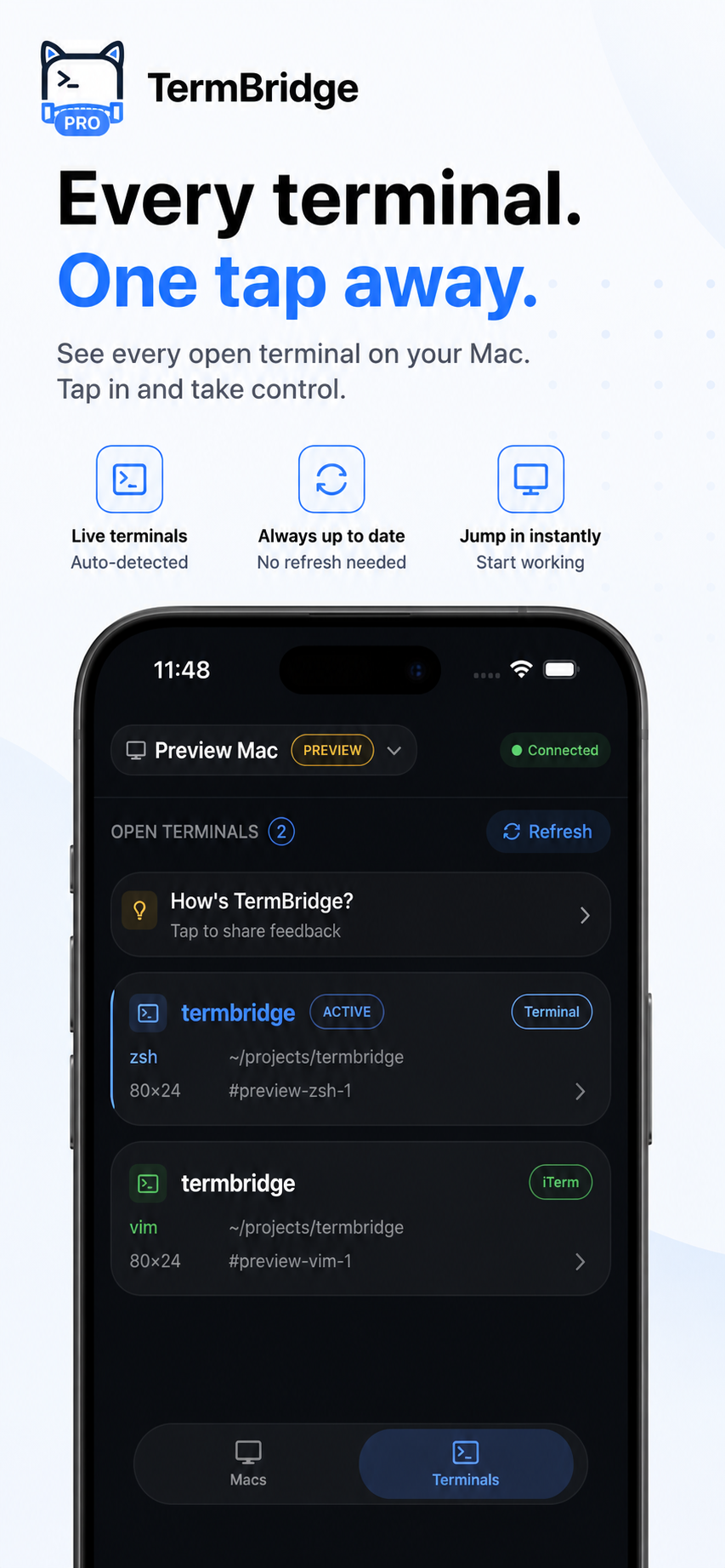
TermBridge mirrors your Mac’s terminal directly to your iPhone or iPad. It lets you see the exact output of your Claude Code or Codex agent runs, or any other long task, as it happens on your Mac. You can monitor progress, check logs, and even type commands from your mobile device, without setting up SSH clients on your phone.
Direct Mac Terminal Access, No Phone SSH Setup
The original post on some-dev-blog.com describes the effort of configuring Termux and SSH on Android to get remote access. TermBridge simplifies this for Mac users. Instead of building a portable environment on your phone, TermBridge mirrors your existing Mac terminal sessions directly. This means you see your iTerm2, Terminal.app, or VS Code integrated terminal exactly as it appears on your Mac, allowing you to monitor Claude Code or Codex agent output without any complex phone-side setup. You just pair your iPhone or iPad with a QR code.
Monitoring AI Agent Runs from Anywhere
Just like the blog author wanted to run htop or tail -f from their phone, TermBridge lets you watch your AI agents’ progress. Whether it’s a Claude Code agent iterating on a solution or a Codex agent generating code, you can keep an eye on its output, token usage, or intermediate steps from your iPhone or iPad. This is particularly useful for long-running tasks that might take hours. You can quickly check if an agent is stuck or if a build has completed, all from a device you already carry. This also helps when you need to remotely respond to Claude Code and Codex agent prompts from your iPhone.
Secure and Simple Remote Control
TermBridge focuses on making remote terminal access secure and straightforward. All communication between your Mac and mobile device is end-to-end encrypted using X25519 and AES-256-GCM, ensuring your terminal data remains private. The relay server only ever sees ciphertext. Pairing is done via a QR code with explicit on-Mac approval, giving you full control over which devices can connect. This provides a secure way to manage your Mac’s agent runs or other tasks without the overhead of maintaining a separate SSH client setup on your phone.
Discussed on Personal blog (some-dev-blog.com)