November 11, 2026 · TermBridge · 4 min read
Watch a Mixed Claude Code, Codex and Aider Setup from iPhone

An Ask HN post asked developers to list their AI subscriptions, tiers, harnesses and orchestration tools. The questions point to a practical problem. Once you pay for more than one plan and run more than one CLI, you end up with several terminal sessions on your Mac. You still have to be at the desk to see which one needs you.
I’m curious how people on HN are using AI day to day, and came up with a list of questions I thought could be interesting to know. … 3) What coding harnesses and interfaces are you using? Are you sticking with the default CLIs or IDE integrations, or using alternatives like OpenCode, Pi, Aider, Muse Code, or custom-built harnesses?
The full list of questions is in the Ask HN thread on agentic setups.
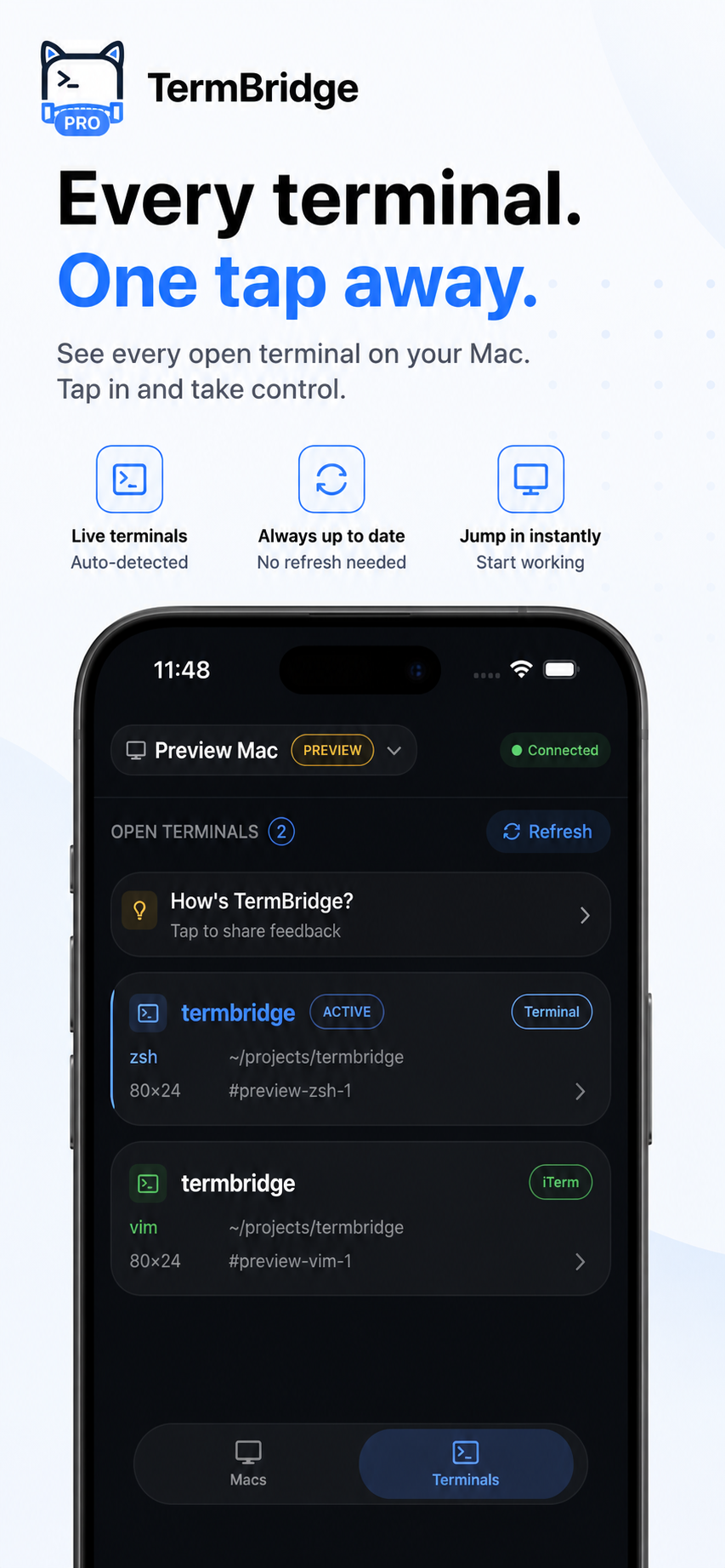
What TermBridge does here: TermBridge mirrors the shells you already run on your Mac, whether they live in iTerm2, Terminal.app, a VS Code, Zed or Cursor integrated terminal, or a tmux pane. You watch and type into them from an iPhone or iPad. Pairing uses a QR code that you approve on the Mac. Traffic is end-to-end encrypted with X25519 and AES-256-GCM, so the relay only sees ciphertext. It does not care which model, subscription or harness is producing the output.
One phone view for every harness the OP listed
The OP’s third question names Aider, OpenCode, Pi and custom harnesses alongside the default CLIs. If you run Claude Code in one iTerm2 tab, Codex in a Cursor terminal, and Aider in tmux, each one is a separate shell. TermBridge lists them as separate terminals on your phone. You can open the Codex session to answer an approval prompt, then switch to Aider to check a diff, without mapping any of them to a special integration. They are just terminals.
Multiple accounts, multiple sessions to watch
The OP asked whether people buy multiple subscriptions from the same provider, such as two Claude accounts. If you do that, you likely run two Claude Code sessions at once, each logged into a different account. When one hits a usage limit, you want to know quickly so you can move work to the other. From your phone you can read the limit message in the exact shell where it appeared and type the next command there. If those sessions run across two Macs, you can switch between Macs in the app.
Orchestration tools still print to a terminal
The OP’s fourth question asks about swarm tools like Gas Town or something custom. Whatever spawns the agents, their logs and prompts usually end up in tmux panes or terminal tabs. That is the part TermBridge mirrors. It will not manage the swarm, but it lets you see a stuck worker from the couch. For long runs that outlive a single session, see how to watch AI agent persistent sessions on Mac from iPhone.
Discussed on Hacker News · 571 pts · 709 💬