October 16, 2026 · TermBridge · 4 min read
Watch AI Agent Persistent Sessions on Mac from iPhone

Developers often need to step away from their Mac but keep complex terminal sessions and AI agent runs active. The challenge is staying connected to these long-running processes, like tmux sessions with open Neovim buffers and AI agents, directly from an iPhone or iPad without interruptions.
This personal blog post details a developer’s workflow using Blink Shell on iPad and iPhone to connect via Mosh to a Mac, maintaining persistent
tmuxsessions where ‘the same agents still running and the same Neovim buffers open.’ The author describes an ‘AI-Native Development Workflow’ with a personal ‘Pi’ agent and a custom harness called ACCORD, which turns requests into validated artifacts and runs adversarial test review. This setup allows for a consistent workspace across devices, enabling remote monitoring and control of long-running AI coding agents.
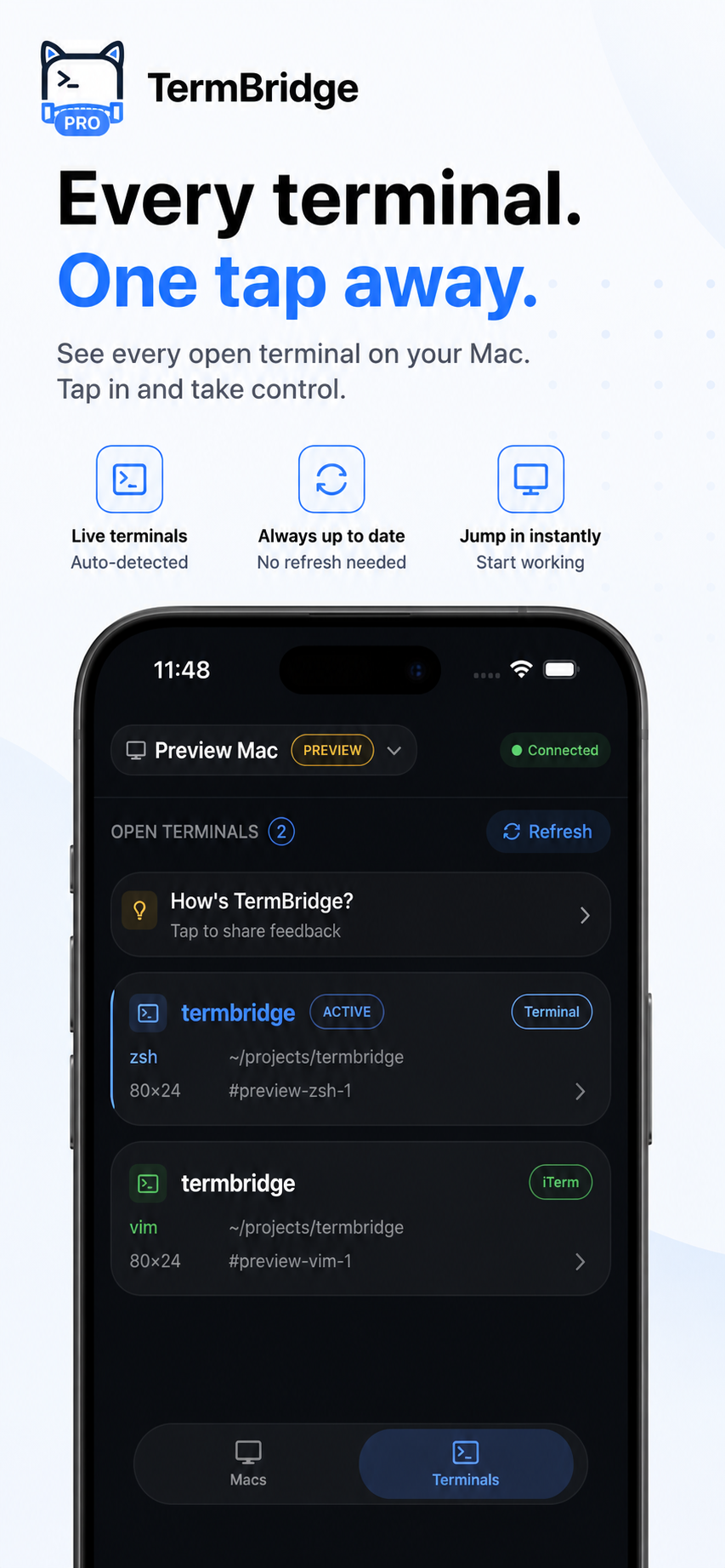
TermBridge addresses this by mirroring your Mac’s exact terminal directly to your iPhone or iPad. It allows you to watch and type into your existing tmux sessions, integrated terminals, or any shell, ensuring your AI agents and development environment remain precisely as you left them on your Mac, accessible from anywhere.
Maintaining Your Persistent Terminal Sessions
The core of a productive remote workflow, as detailed on cliveshirley.com, involves keeping your tmux sessions alive. This means your Neovim buffers and agent processes stay open, ready for interaction. TermBridge mirrors your Mac’s terminal, including any tmux or screen sessions, directly to your mobile device. You can pick up exactly where you left off, whether you are across the room or across town, without re-establishing connections or losing context. This continuity is key for deep work with AI agents.
Monitoring Long-Running AI Agent Workflows
AI-native development often involves agents like Claude Code or custom harnesses such as ACCORD, which can run for extended periods, generating artifacts or performing adversarial tests. Sitting at your desk for hours to watch these processes is not always practical. With TermBridge, you can monitor these long-running agent activities directly from your iPhone or iPad. See real-time output, progress updates, and any critical alerts without needing to be physically present at your Mac. This is especially useful for complex agent clusters, as discussed in Monitor Claude Code’s Isolated Container Runs from iPhone.
Interacting with Agents from Your Mobile Device
Beyond just monitoring, TermBridge allows full interaction with your Mac terminal from your mobile device. If your AI agents, like a personal ‘Pi’ agent, require input, confirmation, or a quick command adjustment, you can type directly into the mirrored terminal. This capability ensures you can respond to agent prompts, debug intermediate failures, or issue new instructions without delay. It maintains the integrity of your “AI-Native Development Workflow” by keeping you connected and in control, even when mobile.
Discussed on Personal blog (cliveshirley.com)