August 3, 2026 · TermBridge · 3 min read
Debug AI Agent Intermediate Failures from Your Phone
AI agent runs often hit problems in intermediate steps, not just at the final output. This means developers need to see every LLM call, tool use, and decision an agent makes to find the root cause. Waiting at a desk for these issues to appear is not an efficient way to work.
AI agent observability is the practice of capturing every step an AI agent takes, including LLM calls, tool invocations, retrievals, and control-flow decisions, as structured traces that you can inspect, filter, and evaluate. It extends LLM observability from single completions to multi-step, non-deterministic workflows, where failures usually hide in an intermediate step rather than in the final answer.
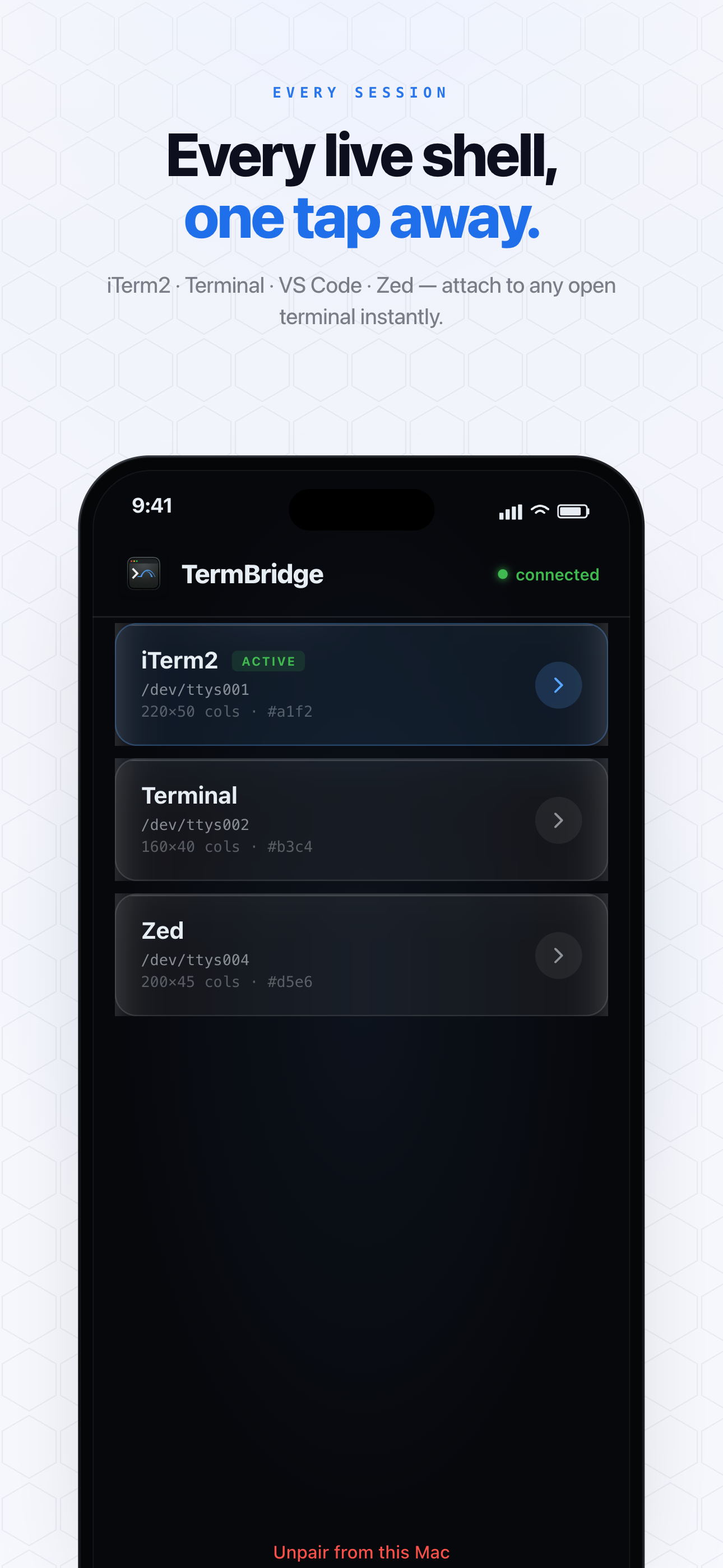
TermBridge connects your iPhone or iPad directly to your Mac’s terminal sessions. This allows you to watch your AI agent’s output in real time, type commands, and interact with its environment from anywhere. When an agent pauses or hits an error, you can immediately inspect logs, restart processes, or adjust parameters without needing to be physically at your Mac. It mirrors your existing shell, including tmux sessions, providing full control.
Inspecting Agent Failures Remotely
The Langfuse blog post, available at langfuse.com/blog/ai-agent-observability-tracing-evaluation, points out that AI agent failures frequently hide in an intermediate step. When your agent, perhaps a Claude Code instance, gets stuck or produces an unexpected output, you need to quickly investigate its current state. TermBridge lets you open your Mac’s terminal on your iPhone or iPad to see the agent’s live output, check logs, or even step into a debugging session. This immediate access helps you diagnose issues like incorrect tool invocations or unexpected control-flow decisions without being tied to your desk. You can even remote control Claude Code on Mac from iPhone, avoiding DIY complexity.
Managing Multi-Agent Workflows with tmux
Many developers run multiple AI agents or complex workflows within tmux sessions on their Mac. TermBridge provides full access to these tmux environments. If one agent encounters a problem, you can switch panes, send commands, or restart specific processes directly from your mobile device. This is particularly useful for managing several long-running agent experiments or when you need to oversee agents running on different Macs. For example, if you are managing headless Mac AI agents from iPhone or iPad, TermBridge offers a direct way to interact with them. For more on tmux, see Solving Remote tmux Blank Panes on Mac Mini with TermBridge.

Secure, Direct Control
Observability also involves trust and security. TermBridge ensures your agent’s sensitive output and your commands remain private. All communication between your Mac and mobile device is end-to-end encrypted using X25519 and AES-256-GCM. The relay server only ever sees ciphertext. This secure connection means you can confidently interact with your AI agents and their data, even when debugging critical intermediate steps, knowing your session is protected. You can pair multiple devices to one Mac, or switch between multiple Macs, all with QR-code pairing and on-Mac approval.
Discussed on Langfuse blog