July 14, 2026 · TermBridge · 2 min read
Solving Remote tmux Blank Panes on Mac Mini with TermBridge
A developer struggled to connect to their Mac mini’s tmux sessions remotely using cmux ssh-tmux, encountering blank panes and path issues despite tmux being installed. iTerm2’s native tmux -CC worked, highlighting a specific problem with remote tmux session display and binary discovery over Tailscale. This frustration with remote terminal setup is common.
This GitHub issue describes a problem where
cmux ssh-tmuxfails to find the remotetmuxbinary or shows blank panes when connecting to a Mac mini over Tailscale, despitetmuxbeing installed. The user notes that iTerm2’s nativetmux -CCintegration works correctly, suggesting a specific issue withcmux’s remote path handling or rendering of existing pane contents.
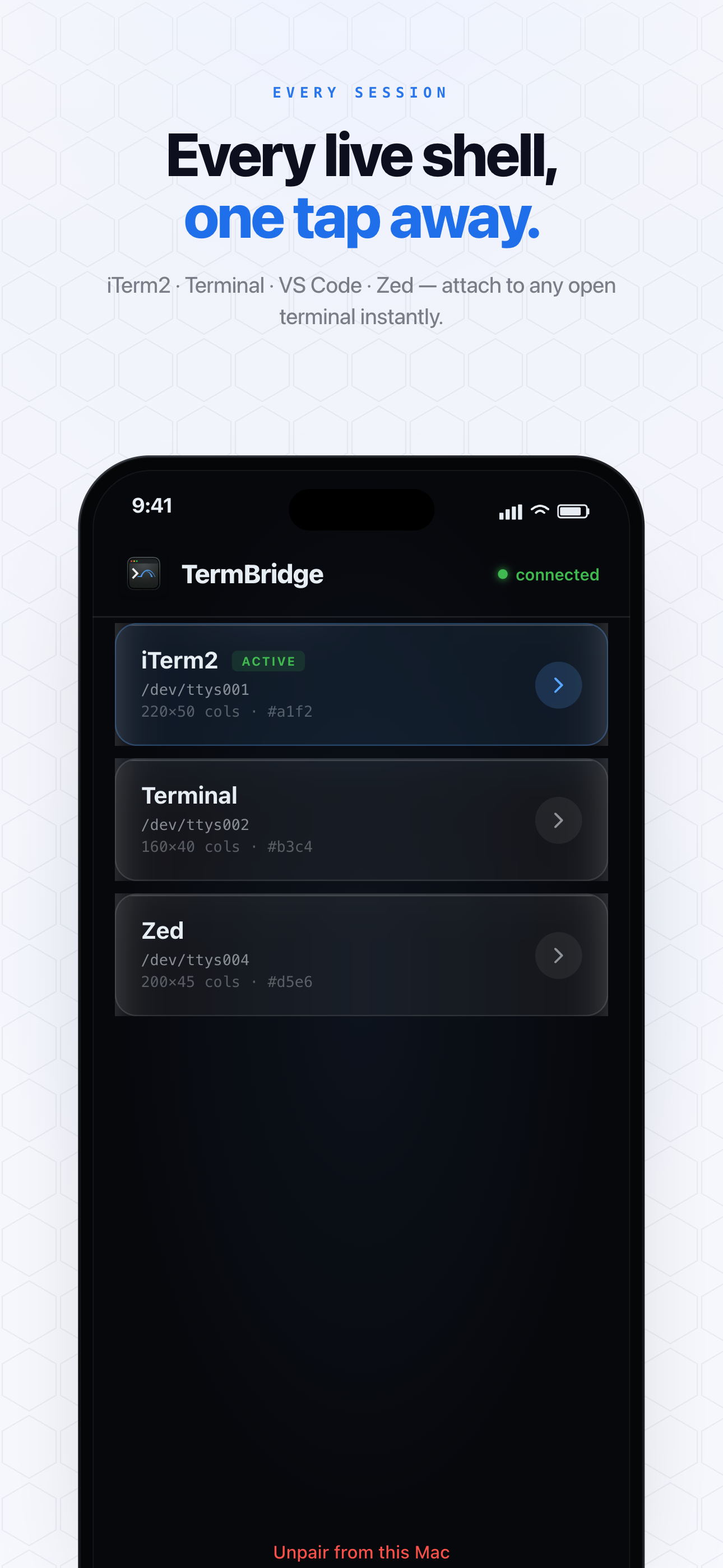
TermBridge directly mirrors your Mac’s existing terminal sessions, including iTerm2, Terminal.app, or integrated terminals within VS Code, Zed, or Cursor, to your iPhone or iPad. It doesn’t rely on SSH or tmux for remote session management in the same way cmux does. Instead, it streams your actual Mac terminal’s output and accepts input, bypassing common remote pathing and display problems like those described in the GitHub issue. You see exactly what’s on your Mac, without complex remote tmux configurations.
Bypassing Remote tmux Complexity
The GitHub issue highlights a common pain point: getting tmux to play nicely with remote SSH tools. The user’s cmux ssh-tmux command failed to find the tmux binary or display existing panes, even when tmux was correctly installed on the Mac mini. TermBridge avoids this by not trying to “find” or “attach” to a remote tmux session via SSH. It connects directly to the running terminal application on your Mac, whether that terminal is running tmux or not. This means you get a faithful representation of your Mac’s screen, eliminating pathing and rendering headaches. It’s like having your Mac screen in your hand.
Direct Mirroring, Not Re-interpreting
When cmux ssh-tmux shows blank panes, it suggests an issue with how the remote tool interprets or renders the terminal state. TermBridge takes a different approach. It mirrors the exact shell you are already using on your Mac, providing a live view of your iTerm2, Terminal.app, or integrated editor terminal. This direct mirroring ensures that what you see on your iPhone or iPad is precisely what’s on your Mac, including all pane contents and visual elements, without needing to debug remote tmux rendering. This simplifies monitoring long-running processes, like code generation or compilation, from anywhere.

Reliable Access to Your Mac Mini’s Terminal
The problem described in the GitHub issue, found at https://github.com/manaflow-ai/cmux/issues/6775, points to the fragility of some remote access methods. Connecting to a Mac mini over Tailscale should ideally be straightforward, but cmux struggled with tmux discovery and display. TermBridge offers a more reliable connection by establishing an end-to-end encrypted link directly to your Mac. This means you can confidently watch and control your Mac’s terminal from your iPhone or iPad, whether you are monitoring a lengthy build process or managing multiple development tasks. For more on managing multiple sessions, see our post on Solving Mobile Coding Concurrent Session Pains with Mac Terminal.
Discussed on GitHub · github.com