October 8, 2026 · TermBridge · 4 min read
Fixing Broken Codex Remote CLI Access on iPhone

Many developers rely on Codex Remote to monitor AI agent runs from their phone. A recent Reddit discussion highlights a major issue: CLI conversations are not accessible remotely, preventing users from checking or instructing Codex agents when away from their Mac. This breaks a core remote workflow.
A Reddit user reports a specific regression affecting Codex Remote for those using Codex through CLI/IDE workflows, preventing remote access to active work from a phone. The core issue is that CLI conversations cannot be opened in Remote, breaking the workflow of checking on or instructing Codex from a mobile device when away from the development machine. This makes the remote control feature largely useless for its intended purpose of seamless continuity.
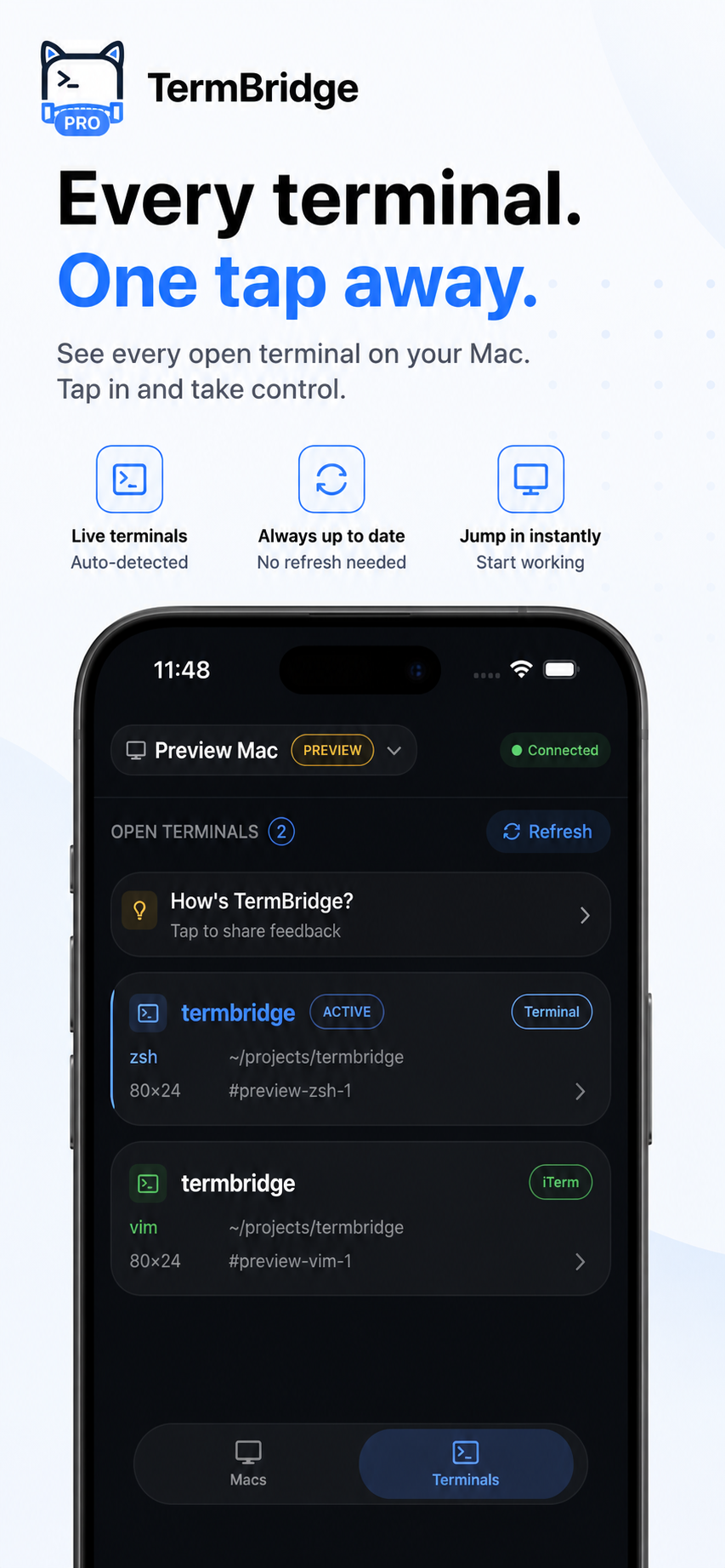
TermBridge addresses this by mirroring your Mac’s exact terminal sessions directly to your iPhone or iPad. Whether you use iTerm2, Terminal.app, or an integrated terminal in your IDE, TermBridge displays your active Claude Code or Codex agent runs precisely as they appear on your desktop. You can watch output and type commands from your mobile device, maintaining full control over your development environment without needing to be at your desk.
Regaining Control Over CLI Agent Runs
The Reddit discussion on r/Codex, specifically this post, points to a critical gap: the inability to access CLI conversations remotely. This means if your Claude Code or Codex agent is running in your Mac’s terminal, you cannot see its progress or interact with it from your phone. TermBridge solves this by providing a live, interactive mirror of your Mac’s terminal. You see the agent’s output, and you can type commands or respond to prompts directly from your iPhone or iPad, just as if you were sitting at your desk.
Monitoring Long-Running AI Agents on the Go
AI agent runs, especially those involving complex code generation or extensive testing, can take a long time. Being tethered to your desk to monitor these processes defeats the purpose of mobile flexibility. With TermBridge, you can step away from your Mac and still keep an eye on your agent’s progress. It mirrors your active terminal sessions, allowing you to check logs, review generated code, or intervene if an agent gets stuck. This capability is crucial for developers who need to stay productive while moving between different tasks or locations. For more on how TermBridge helps with remote monitoring, see Monitor Claude Code and Codex Mac Terminal from iPhone, No SSH.
Secure and Direct Access to Your Mac Terminal
Unlike solutions that might involve complex SSH setups or cloud relays, TermBridge offers a direct and secure connection to your Mac. It uses end-to-end encryption (X25519 and AES-256-GCM) to ensure your terminal data remains private. You pair your iPhone or iPad with your Mac using a QR code and an on-Mac approval, ensuring only authorized devices can connect. This means you get the full fidelity of your Mac’s terminal, including color schemes and font rendering, on your mobile device. You can even switch between multiple Macs or pair multiple devices to one Mac, managing all your AI agent workspaces from a single app.
Discussed on Reddit · r/Codex