October 14, 2026 · TermBridge · 3 min read
Monitor Claude Code's Isolated Container Runs from iPhone

When running Claude Code in a securely isolated environment on macOS, using dev containers and custom firewalls to prevent data leakage, staying updated on its progress can be challenging. You need to monitor its execution and respond to any prompts without being tethered to your desk, especially during long auto-mode runs.
This workflow provides a robust, well-tested, and detailed solution for securely isolating Claude Code’s execution environment on macOS. It addresses critical concerns about data leakage and prompt injection by leveraging dev containers, custom firewall rules, and read-only mounts, enabling developers to use Claude in auto-mode with significantly reduced risk. Specific firewall testing results confirmed the container could not reach the Mac or anything off the allowlist.
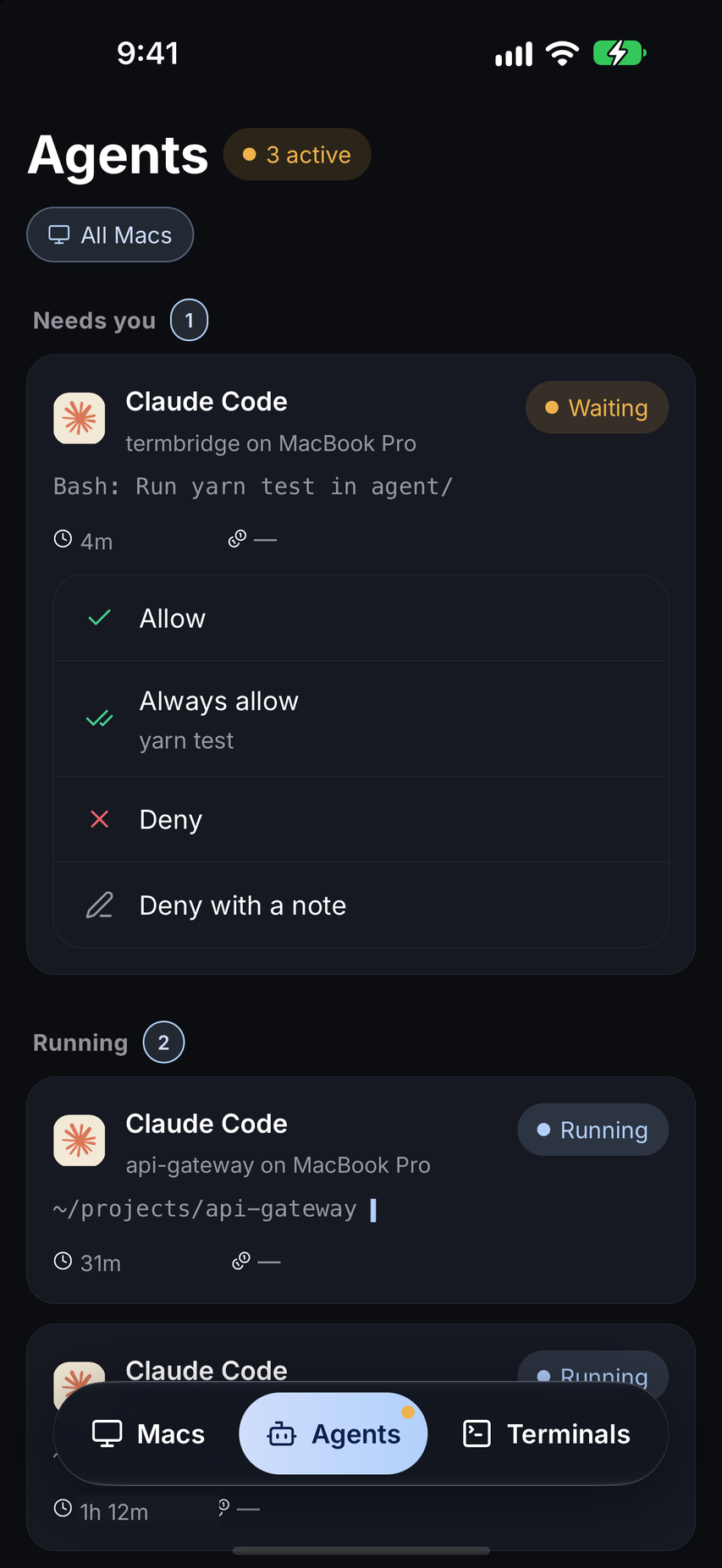
TermBridge mirrors your Mac terminal directly to your iPhone or iPad, providing a real-time view of Claude Code’s activity within its isolated container. This allows you to observe agent output, check firewall logs, or review read-only mounts from anywhere. You can type commands or respond to agent prompts, ensuring continuous oversight of your secure development environment.
Keeping an Eye on Isolated Agent Activity
The Reddit discussion, found at r/ClaudeWorkflows, highlights the importance of securely isolating Claude Code with dev containers and custom firewalls. With TermBridge, you can watch the agent’s execution within this constrained environment from your phone. See its progress, observe any output, and verify that its operations remain within the defined security parameters. This remote visibility is crucial for confirming the effectiveness of your isolation setup, ensuring no unexpected network calls or data access attempts occur. It allows you to confirm that the container cannot reach anything off its allowlist, as the original poster confirmed. For more on monitoring agent behavior, see our post on monitoring Claude Code auto mode safeguards from your iPhone.
Responding to Prompts in a Secure Setup
Even in auto-mode, Claude Code agents might occasionally require human intervention or respond to specific prompts. When your agent is running within a tightly controlled, firewalled container, being able to interact remotely is key. TermBridge lets you type directly into your Mac terminal from your iPhone, enabling you to provide input, debug issues, or adjust agent parameters without physically returning to your Mac. This maintains the integrity of your secure environment while offering the flexibility to manage your agent’s workflow from anywhere.
Discussed on Reddit · r/ClaudeWorkflows