October 11, 2026 · TermBridge · 2 min read
Monitor Claude Code Agent Runs from iPhone, Starting Fresh

Omid Saffari’s recent post highlights a critical need for developers: controlling AI coding agents like Claude Code from mobile devices. Specifically, the challenge involves initiating fresh agent sessions on an awake Mac without being physically present, a key for managing ongoing, complex development tasks remotely.
Claude Code Remote Control is highlighted as the best mobile-controlled coding agent, exposing the full local Claude Code environment to iOS, Android, and the web. Code execution and filesystem access remain on the connected machine, while the phone acts as the conversation, permission, and steering surface. A new server workflow allows developers to run
claude remote-controlinside a trusted project, enabling a phone to start a fresh session on an awake local machine, rather than just resuming one.
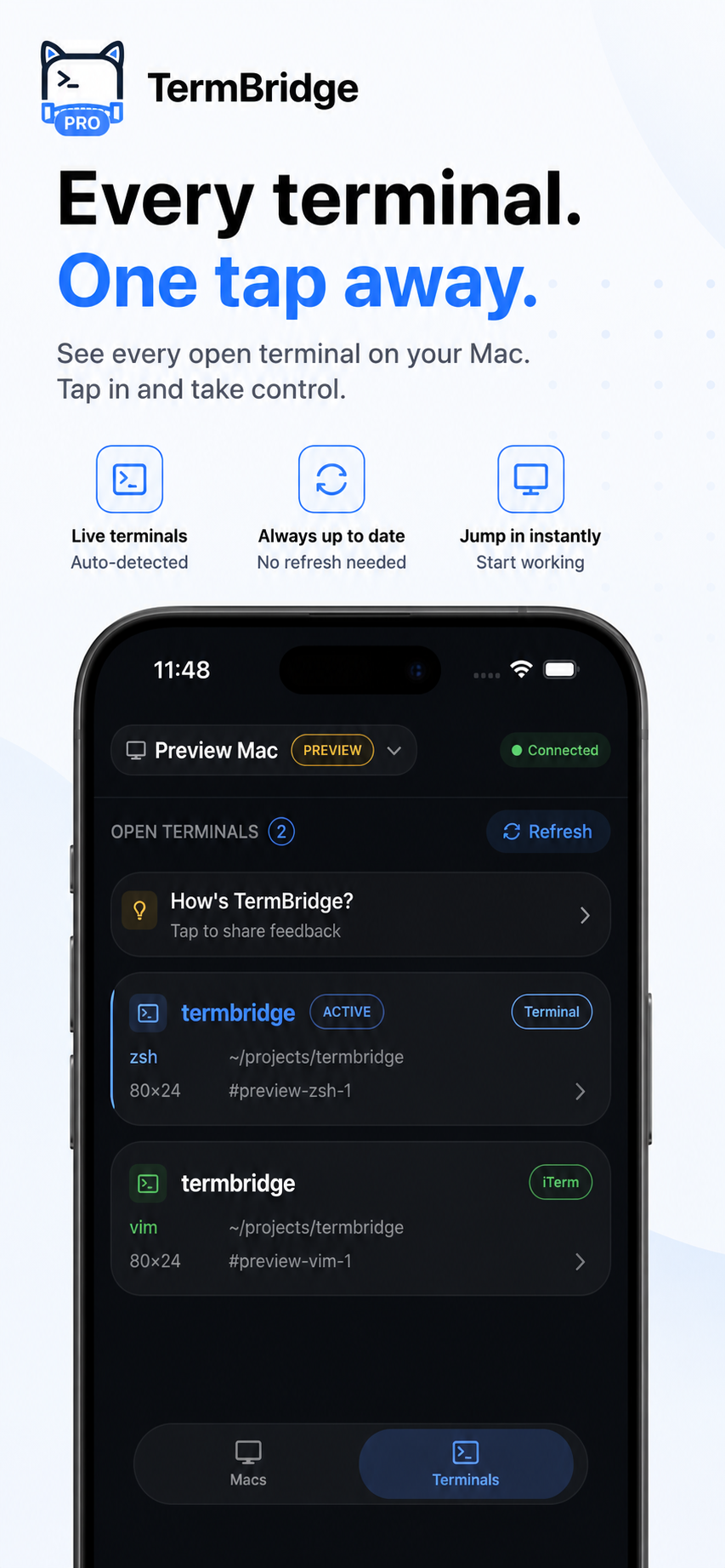
TermBridge directly mirrors your Mac’s existing terminal, whether it’s iTerm2, Terminal.app, or an integrated terminal, to your iPhone or iPad. This allows you to observe code execution, respond to prompts, and input commands, including starting a new claude remote-control session, all from your mobile device. The actual code execution and filesystem access remain securely on your Mac.
Monitoring Long Claude Code Runs from Anywhere
When Claude Code or other AI agents are tackling complex tasks, they can run for extended periods, making remote oversight essential. Omid Saffari notes that the phone becomes the “conversation, permission, and steering surface” for these agents. TermBridge delivers this exact capability by streaming your Mac’s terminal output in real time to your iPhone or iPad. You see every line of code, every log, and every prompt as if you were sitting at your desk. This continuous visibility ensures you can keep an eye on progress, identify potential issues, and maintain control over your agent’s activity, even when you are away from your workspace. For instance, you can Monitor Claude Code Auto Mode Safeguards from Your iPhone to ensure agents operate within defined parameters and respond promptly.
Starting Fresh Claude Code Sessions Remotely
A significant point raised by Omid Saffari on his blog, omidsaffari.com, is the desire to start a fresh Claude Code session on an awake local machine using a phone, rather than just resuming an existing one. TermBridge makes this straightforward by providing full keyboard input to your Mac’s terminal from your iPhone. You can simply type claude remote-control or any other command to initiate a new project or agent run, just as you would locally. This means you can kick off a new development task, compile a large project, or deploy an update without needing to physically access your Mac. The session starts on your Mac, and TermBridge provides the remote interface.
 This capability is key for developers managing distributed workflows.
Discussed on Personal blog (Omid Saffari)