September 14, 2026 · TermBridge · 5 min read
Watch AI Agent Privacy Scans on Mac Terminal from iPhone
The Oye Collective highlights a critical challenge: ensuring AI agent transcripts are free of sensitive data without sending that data off-device for scanning. Developers need to monitor these privacy scans, especially when they involve large PII models running locally, and confirm their safe execution without constant desk presence.
This article from Oye Collective discusses the challenges of scanning AI agent transcripts for sensitive data like secrets without compromising privacy. It details running a 1.6 GB PII model on-device within a menu bar app (Actvt) and the technical considerations for ensuring safe and effective masking. The focus is on operational notes and field reports from integrating AI agents into real enterprise workflows.
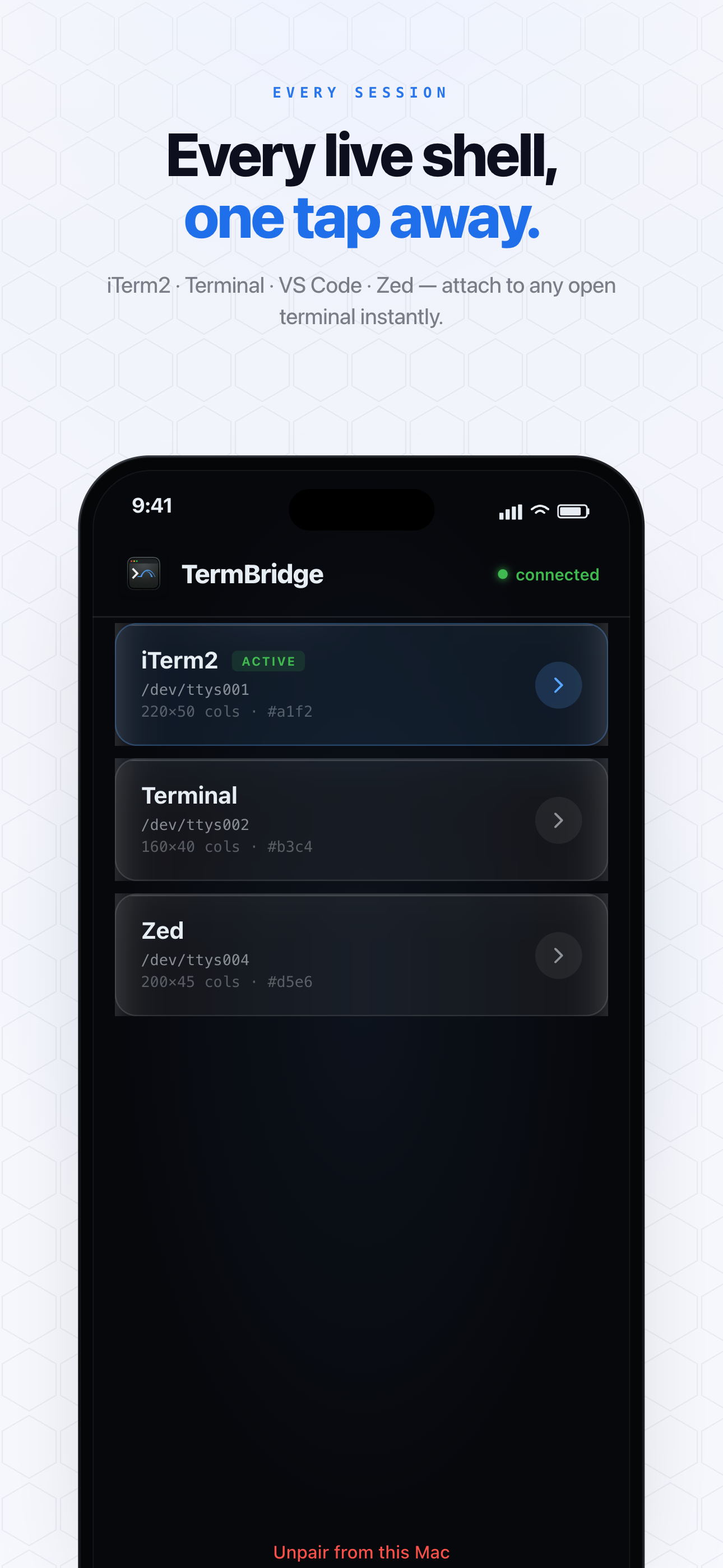
TermBridge directly addresses this by mirroring your Mac’s terminal on your iPhone or iPad. When an AI agent initiates a local PII scan or any long-running process, you can watch the output, progress, and completion status directly from your mobile device. This allows you to confirm local execution and data handling without needing to sit at your desk.
Observing On-Device PII Scans Remotely
The Oye Collective article highlights running a significant 1.6 GB PII model directly on-device for sensitive data scanning. This local execution is key for privacy, but it still requires oversight. TermBridge allows you to watch the entire process from your iPhone or iPad, seeing the terminal output as the scan progresses. You can confirm the model is running as expected, identify any issues, and verify completion, all while the sensitive data remains securely on your Mac. This remote visibility ensures you maintain control over critical privacy operations. If a scan encounters an error, you can even debug AI agent intermediate failures from your phone.

Keeping Tabs on Agent Transcripts and Progress
When integrating AI agents into enterprise workflows, as discussed on the Oye Collective Journal, monitoring their transcripts and overall progress is essential. Whether it’s a Claude Code run generating code or a Codex agent performing data analysis, these processes can be lengthy. TermBridge provides a live mirror of your Mac’s terminal, letting you scroll through agent output, check for specific log messages, or confirm successful data masking operations. This ensures you are always aware of your agent’s status and data handling without constant physical presence.
Discussed on Oye Collective Journal