The Mac window
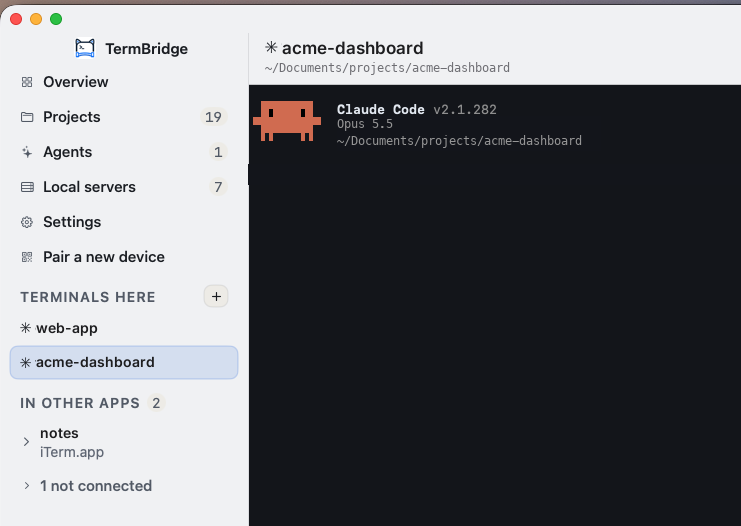
Left-click the TermBridge icon in the menu bar and a window opens. Right-click gives the quick menu with the pairing QR, preferences and quit.
What is in it
| Page | What it shows |
|---|---|
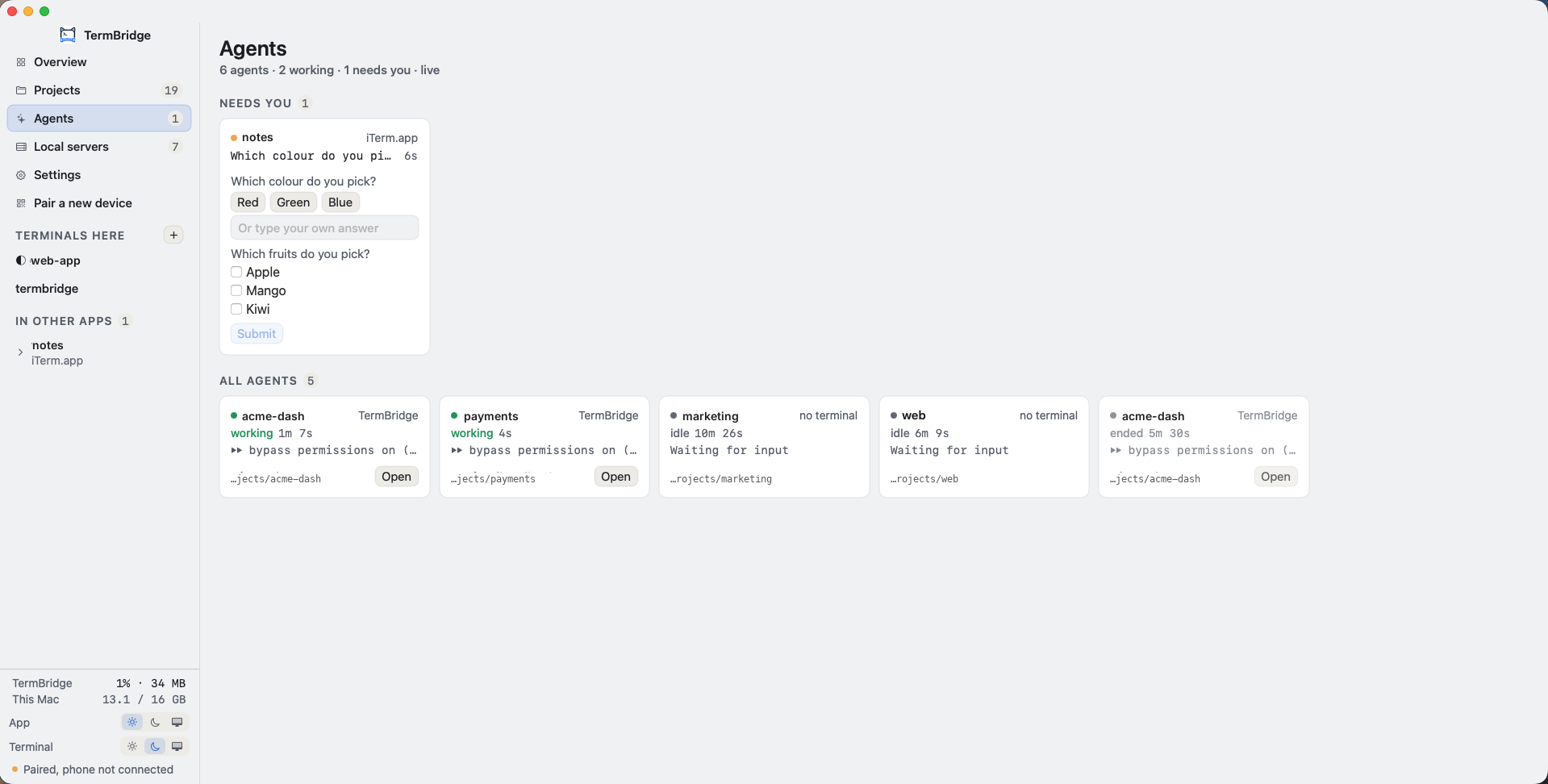
| Overview | Your services (Claude Code, GitHub, Git identity) and every open terminal as a card |
| Projects | Folders you work in, with a terminal one click away |
| Agents | Every Claude Code session and what it needs from you. See Agents |
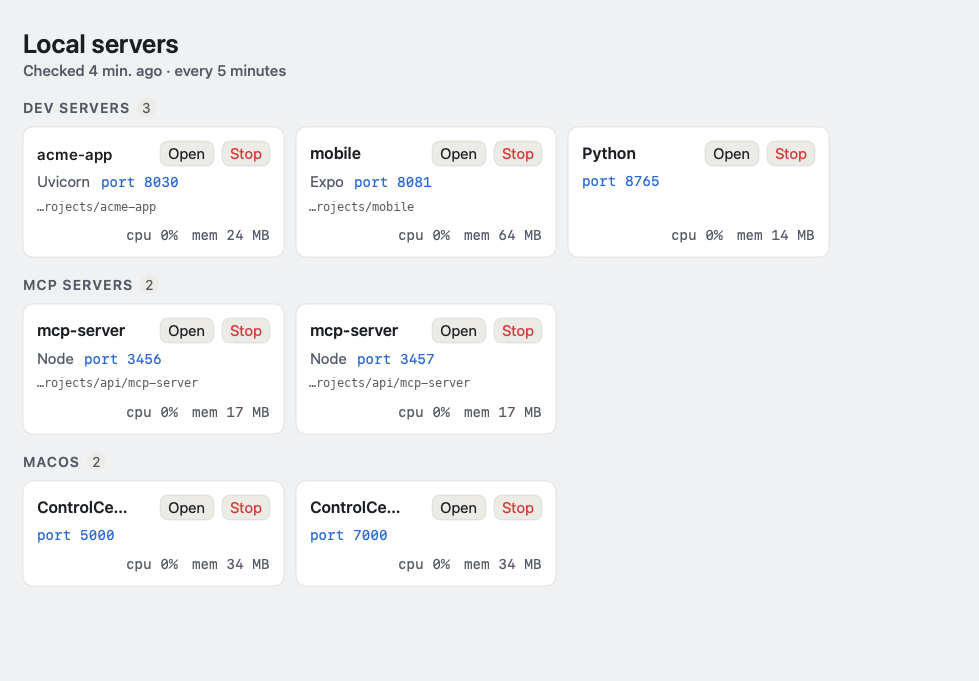
| Local servers | What is listening on this Mac. See Local servers |
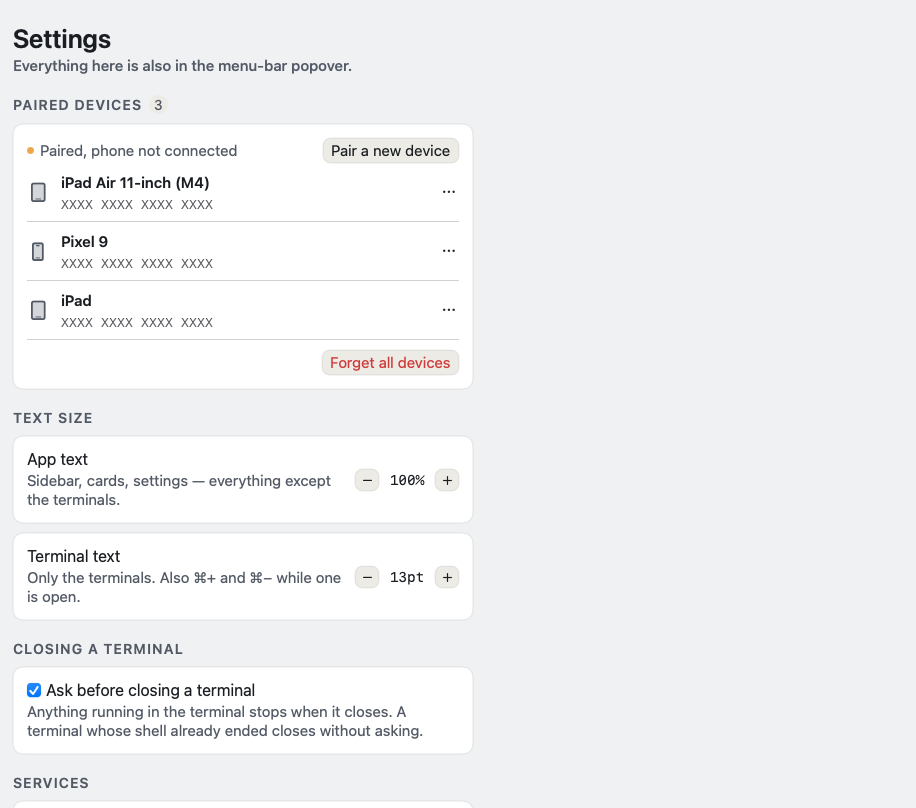
| Settings | Paired devices, Claude hooks, tips, feedback, text size, services |
Terminals
⌘T opens a terminal in the window. Terminals from iTerm2, Terminal, VS Code and others appear under In other apps. ⌃Tab and ⌃⇧Tab (or ⌘⇧] and ⌘⇧[) step through them; ⌘1 to ⌘9 jump by place in the sidebar. Closing a live terminal asks first, with a Don’t ask again checkbox.
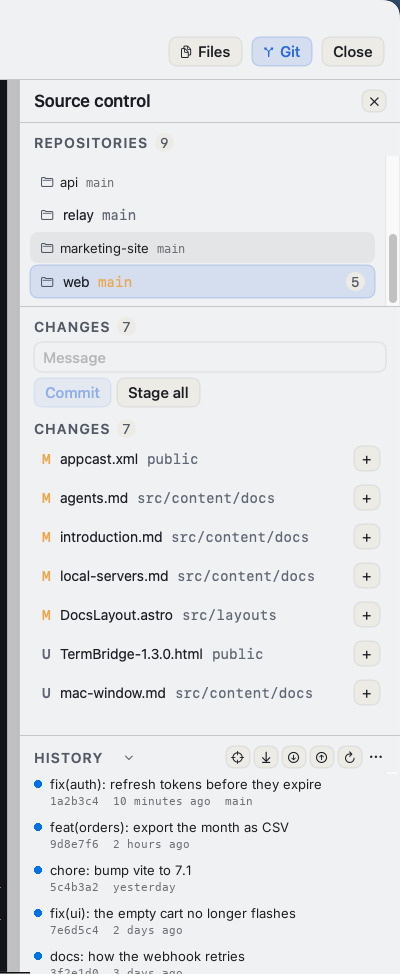
Beside a terminal you can open Files (a file explorer that opens files as tabs) and Git (repos, changes, diffs and history).
Agents
Local servers
The bottom of the sidebar
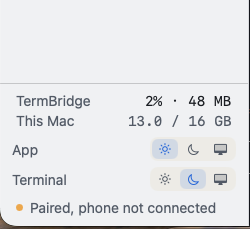
| Line | Meaning |
|---|---|
| TermBridge 2% · 48 MB | What the app itself is using right now |
| This Mac 13.0 / 16 GB | Memory in use on the Mac |
| App | Light, dark, or match the system, for the window |
| Terminal | Light, dark, or match the app, for the terminals only |
| Paired, phone not connected | The link to your phone. Green when a phone is connected |
Pair a new device
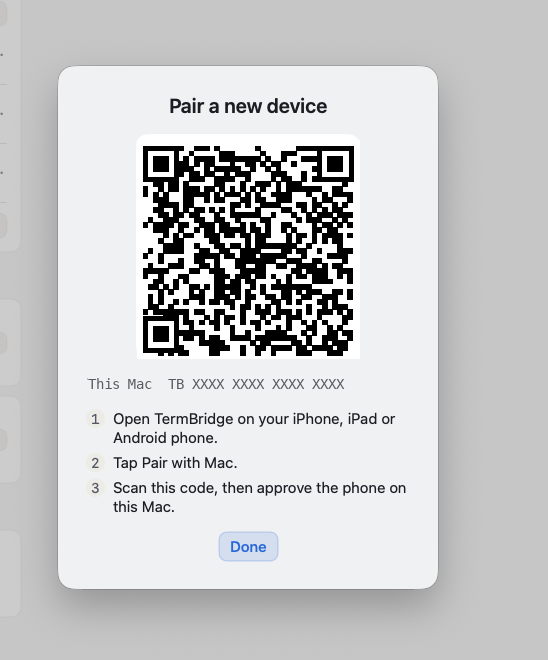
Pair a new device in the sidebar shows the QR code for a phone to scan.
Settings